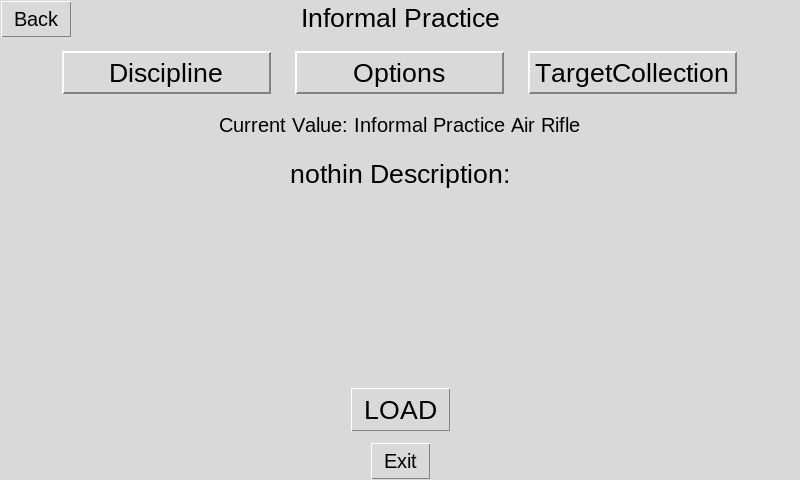
With Athena at Home the Course of Fire controls what you'll be doing with the target and if you're using an informal or formal practice.
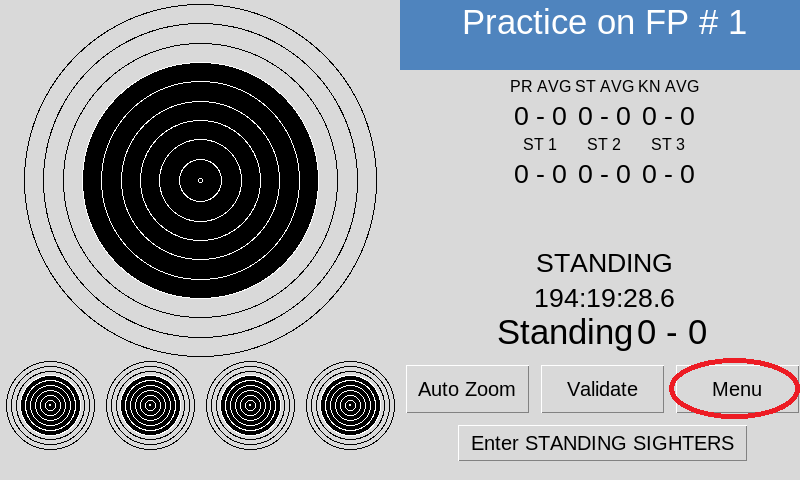
To load Course of Fire from the main screen select on the Menu button
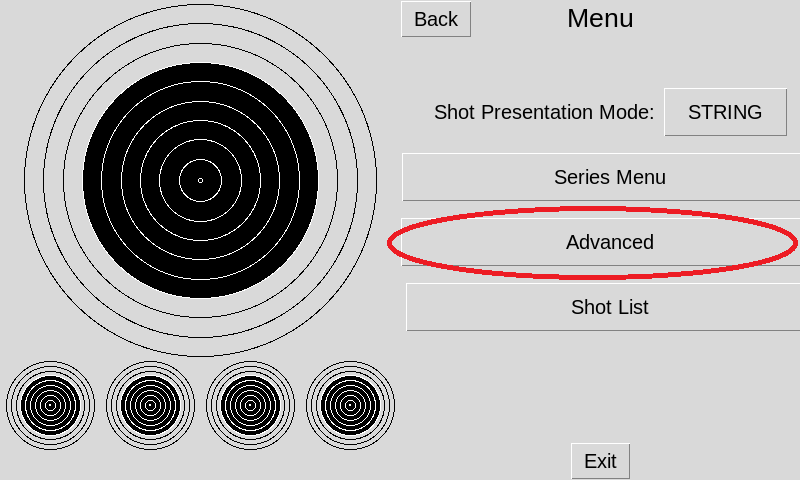
select the Advanced button.
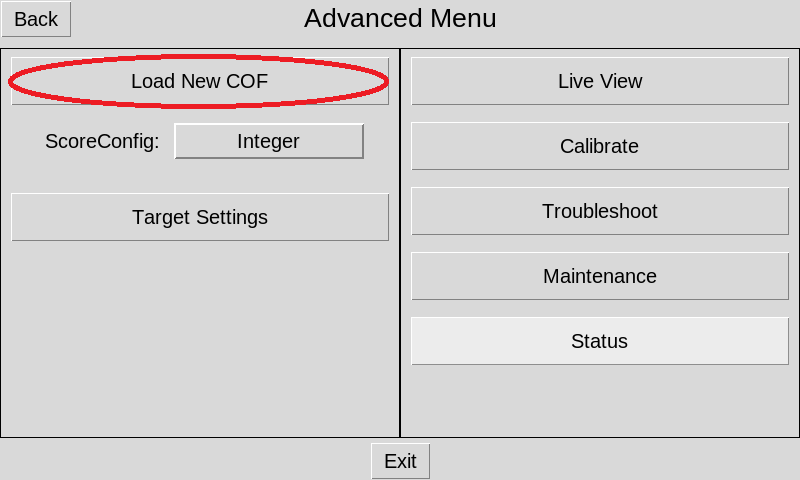
select the on the left side select Load New COF button
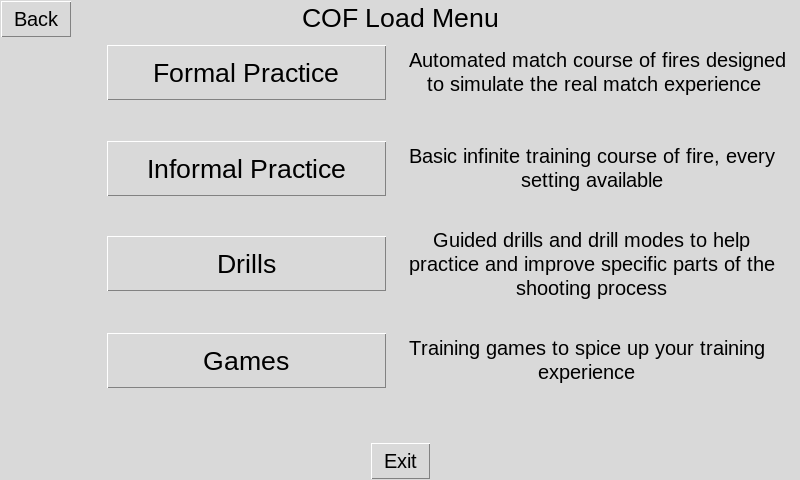
Formal practice will load a full course of fire and range commands as if you were in a competition. Informal practice will allow you to set a position and shoot as you wish without range commands or timers. Drills and Games will allow you to practice specific skills and are being added regularly with updates.
The Discipline button will allow you to select between Rifle and Pistol. Options will let you choose between Air and Smallbore (if using the NC200 target). When loading informal practice you will need to select the discipline and option, then select the Load button at the bottom. For formal practice Options is where you will select the specific match type you wish to run through.