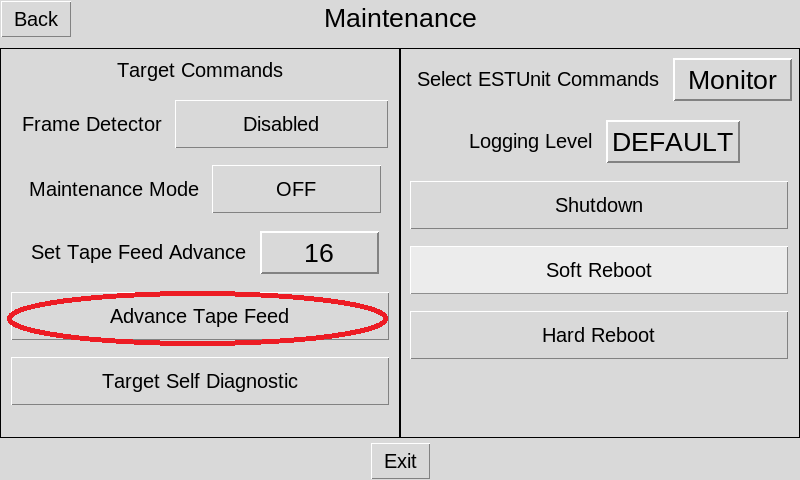
The EST commands screen gives you the options for your Target to change Frame Detector on\off, turn Maintenance Mode on\off, change the Tape Feed Advance, Advance the Tape Feed, & run a Target Self Diagnostic. You may also restart\shutdown your Target and Monitor and set the Logging Level.
Putting Your Range or Target into Maintenance Mode
1. From the main screen select on the Menu button.
2. select the Advanced button.
3. select the Maintenance button.
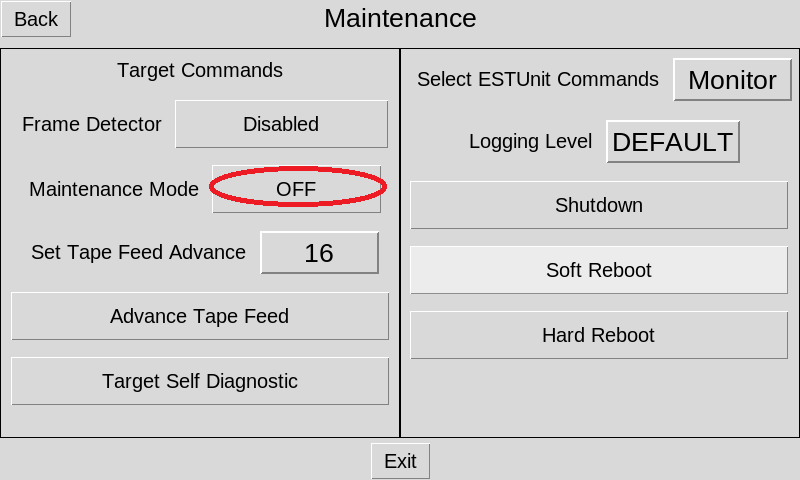
4. On the left hand side, the button next to Maintenance Mode will indicate if the Target is in Maintenance Mode or not (e.g. Scoring Mode). If it says Off, select it to put the Target into Maintenance Mode
Taking Your Range or Target out of Maintenance Mode and into Scoring Mode
1. From the main screen select on the Menu button.
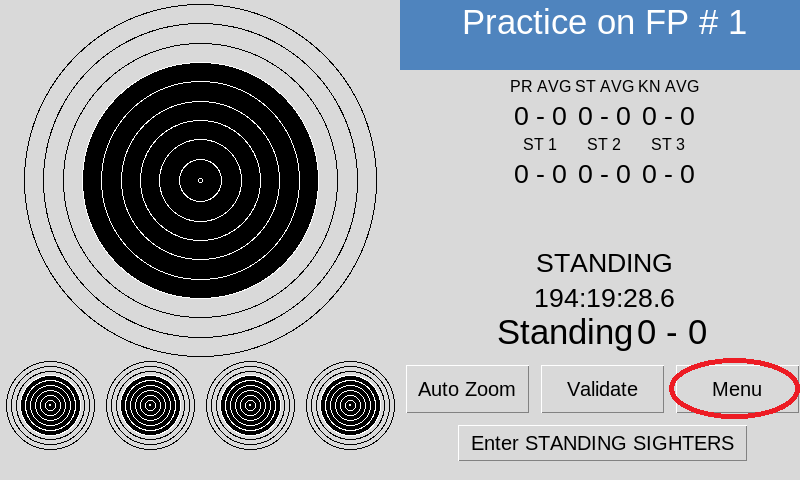
2. select the Advanced button.
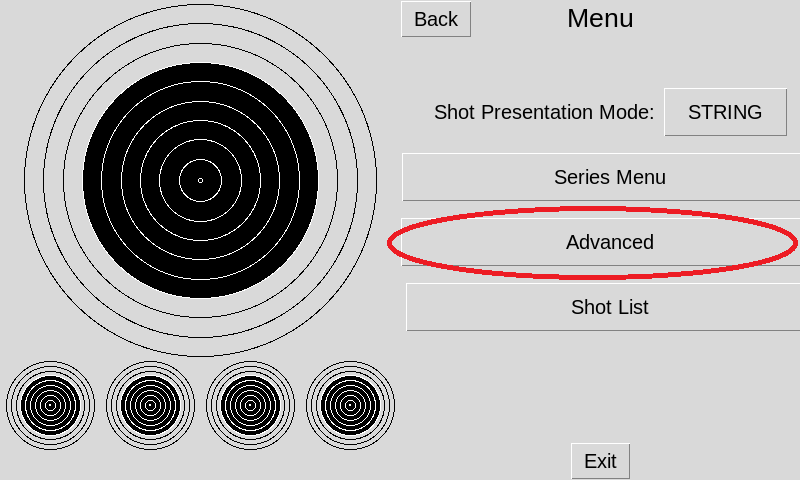
3. select the Maintenance button.
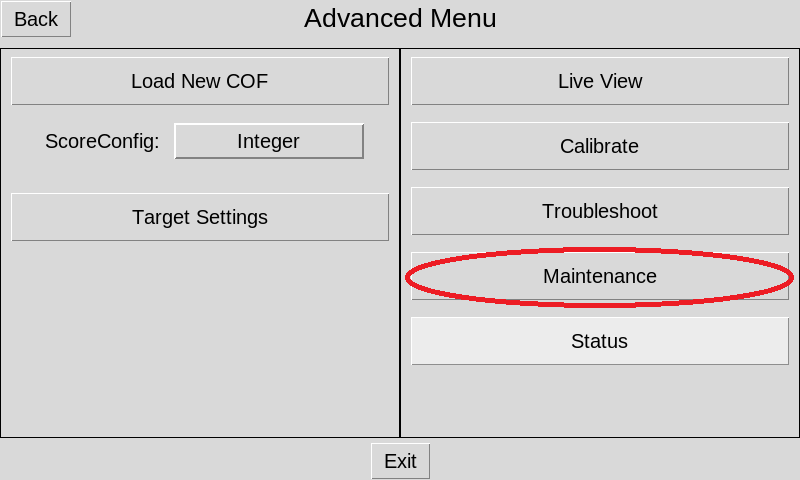
4. On the left hand side, the button next to Maintenance Mode will indicate if the Target is in Maintenance Mode or not (e.g. Scoring Mode). If it says On, select it to put the Target into Scoring Mode..
Disabling the Frame Hit Sensor
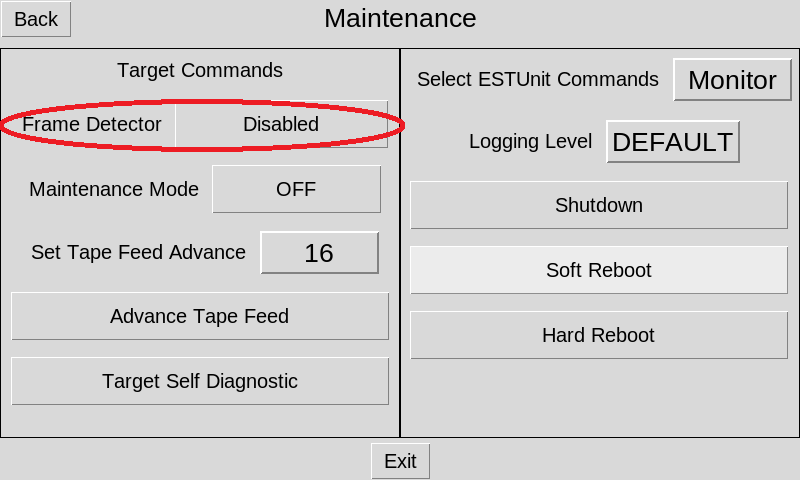
A "false positive frame hit" is when Athena reports a frame hit when there wasn't one. This may happen if Athena fails to identify a shot, or the frame hit sensor is dirty and registers a frame hit.
Turn off the sensor by selecting on Men -> Advanced -> Maintenance -> Frame Hit Detector -> Disabled\Enable
Running Self Diagnostics
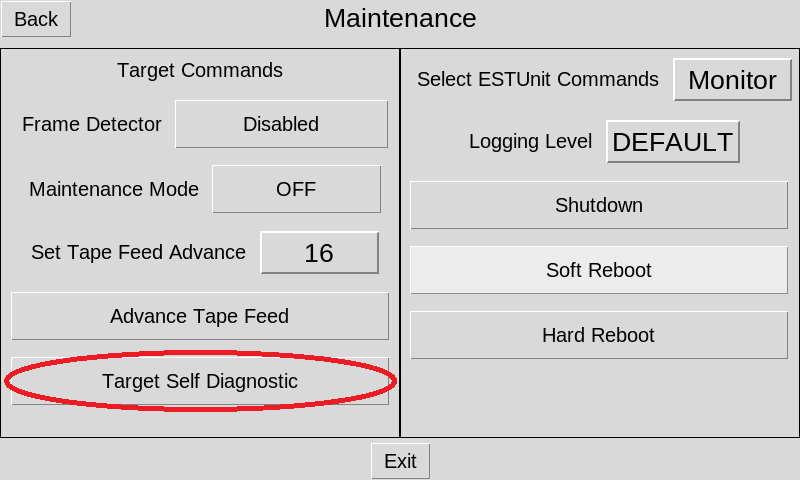
Self Diagnostics is the process Athena’s NC units go through to align the camera to the aiming mask and center the aiming bull. Athena Targets performs this process automatically both at boot up and at the start of each course of fire, or it can be ran on demand.
The following procedure works only if the Firing Point is in practice mode. Athena at Home targets are always in practice mode.
1. Open the Maintenance Form. From the Monitor's main screen, select on Menu -> Advanced -> Maintenance.
2. In the bottom left hand corner, tap the Target Self Diagnostics button.
Advancing the Tape Feed
In rare circumstances it may be necessary to advance the tape feed on a Target electronically. The most common reason is if Athena fails to correctly identify a shot. To clear the physical shot hole from the aiming mask, the tape feed needs to be advanced.
1. Using the firing point's Monitor, open the Maintenance Form.
2. From the main screen select on Menu -> Advance -> Maintenance.
3. In the Maintenance form, on the left, select on the Advance Tape Feed button