The shot list on your Athena Athlete Monitor shows all shots for a given practice. To view the shot list:
Shot List
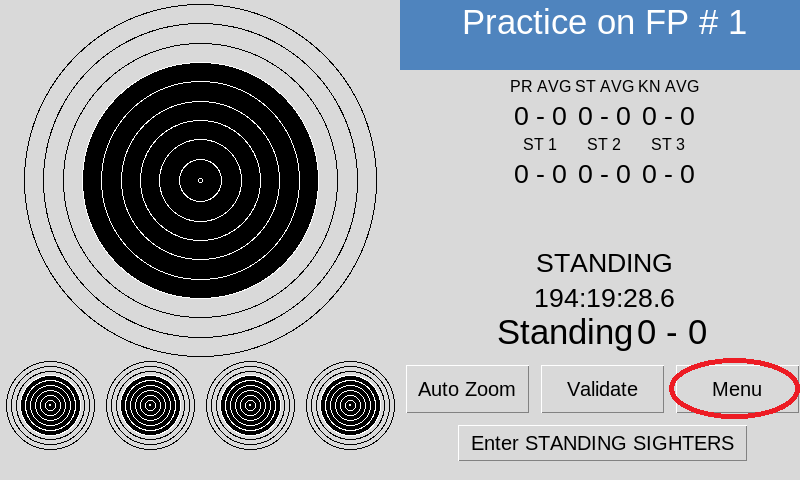
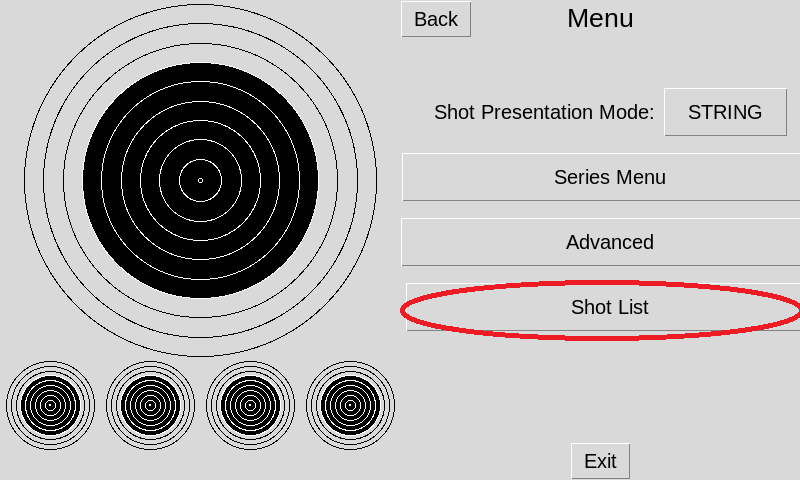
From the main screen on the monitor select the Menu button. Select Shot List from the menu
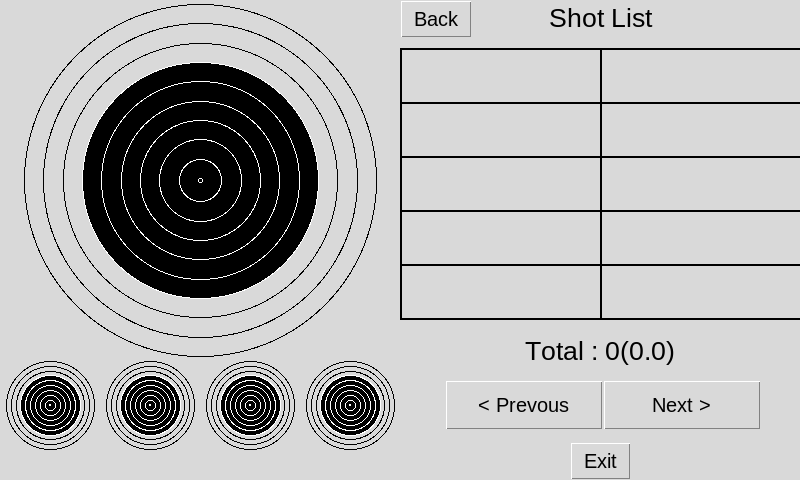
The shot list will be displayed in groups of 10. Use the previous and next buttons to move through them.
To clear the shot list exit this menu, then from the main screen select Menu, Series Menu, then Clear Shots. This will allow you to start fresh with a new formal or informal practice.