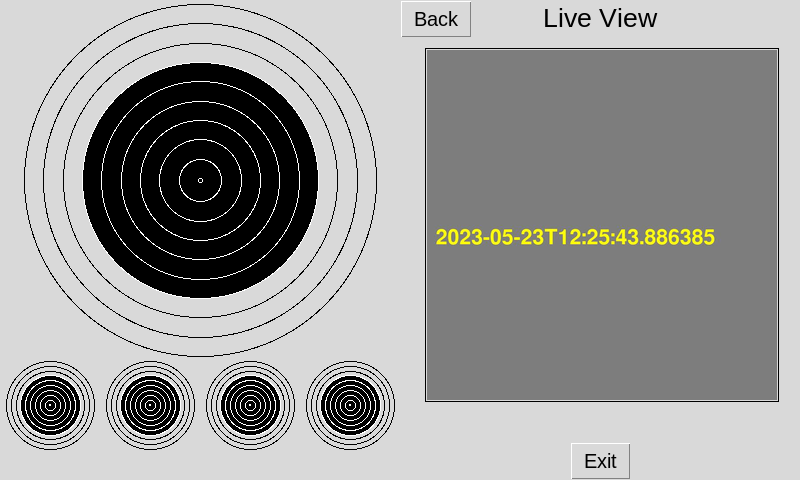
The Live View function on the Athlete Monitor shows you exactly what your Athena target is viewing. This can be a useful troubleshooting feature.
Live View
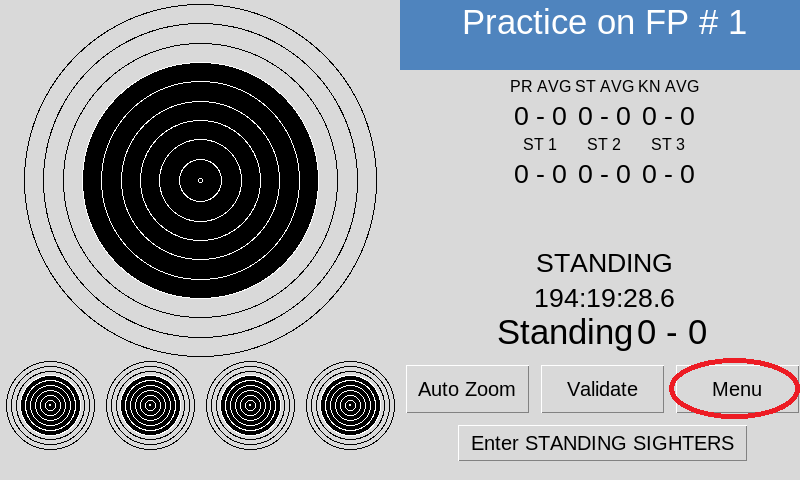
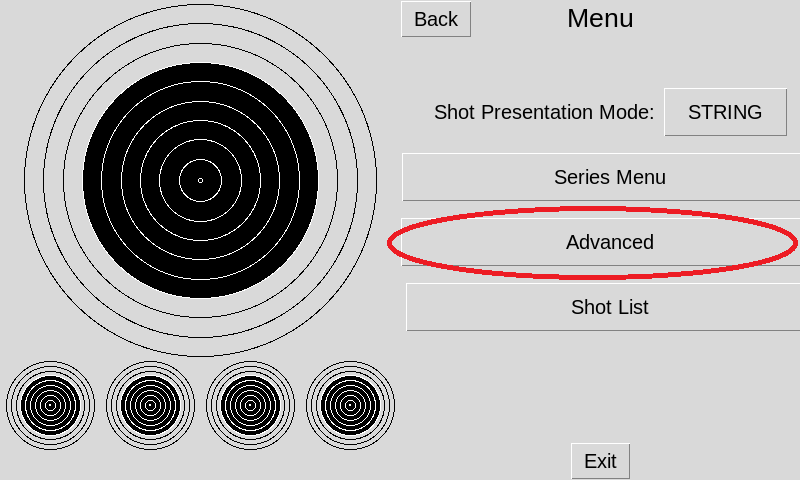
From the main screen select the Menu button. Select the Advanced button
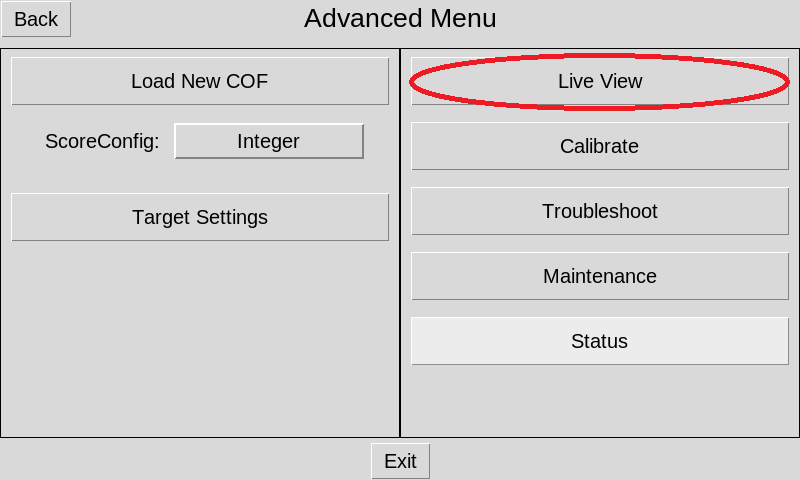
select on the Live View button
The Live View shows you what the camera sees and lets you confirm the positioning of the camera arm, shots, and the target. While angled, you should see a clear view of the aiming mask with all four corners visible. If this is not the case you may need to adjust the camera arm of the target. When in place the arm should be tilted down against the front steel plate of the target, and the camera should not be visible when looking at the target head on.